Skip to content

Create or Import a Wallet

QZAR uses embedded wallets so it can execute requested trades and automated orders. You can create a fresh wallet or import a recovery phrase/private key you already control.

Feature availability
Wallet creation can be temporarily disabled. When it is unavailable, create a dedicated wallet in a trusted wallet app, save recovery material offline and use in QZAR.

Create a wallet

  1. Open Wallets from the home menu
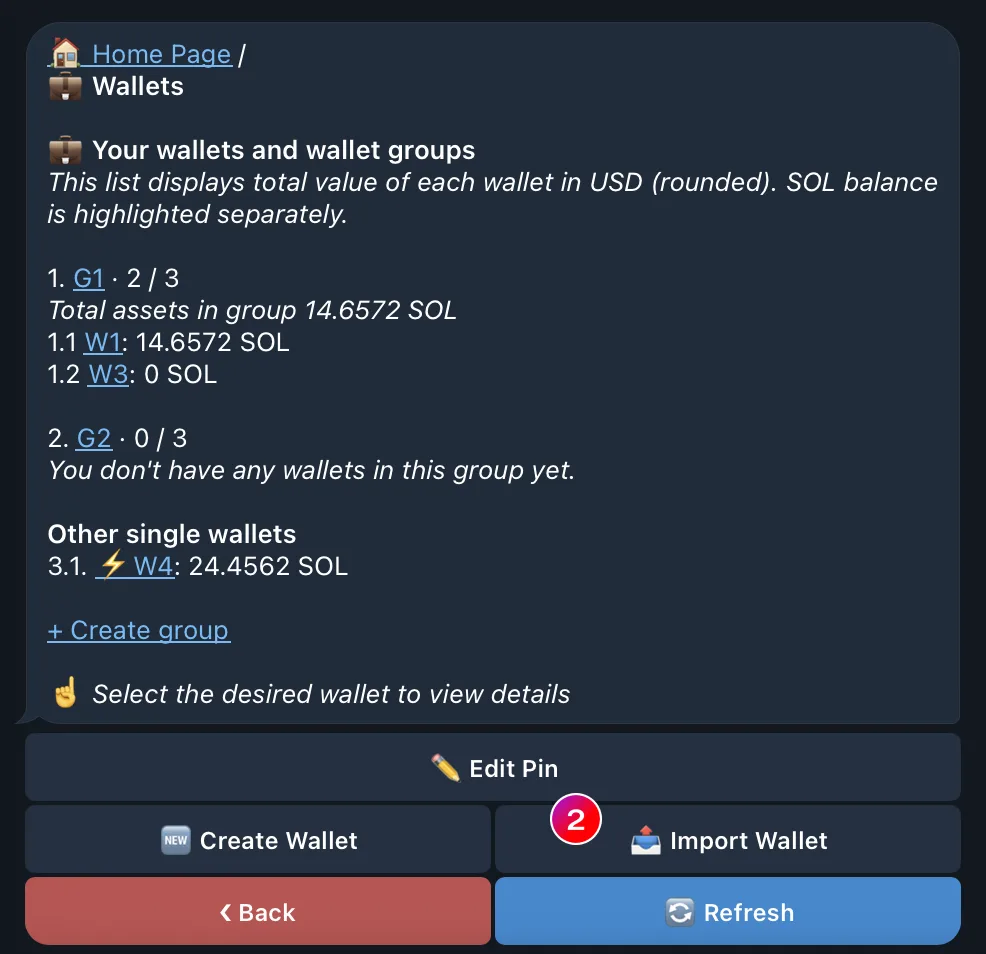
  2. Select Add WalletCreate Wallet
  3. Set the wallet PIN if QZAR redirects you to PIN setup
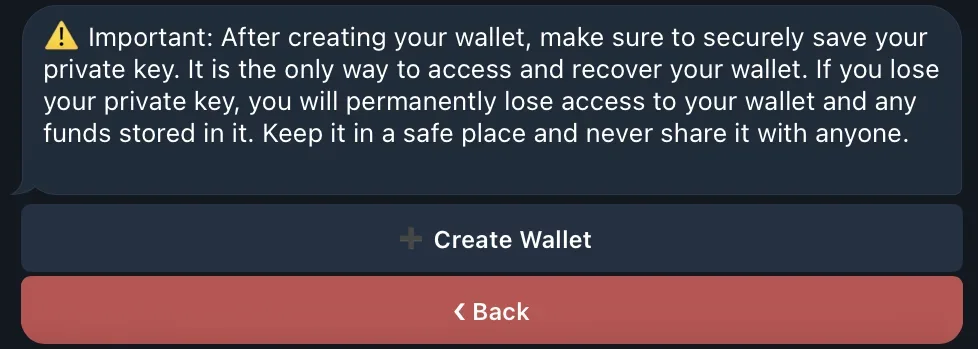
  4. Confirm creation and save the displayed private key or recovery material offline
  5. Open the wallet details, set a clear name, and optionally make it the default

Use a new wallet if you want to isolate active trading from long-term holdings.
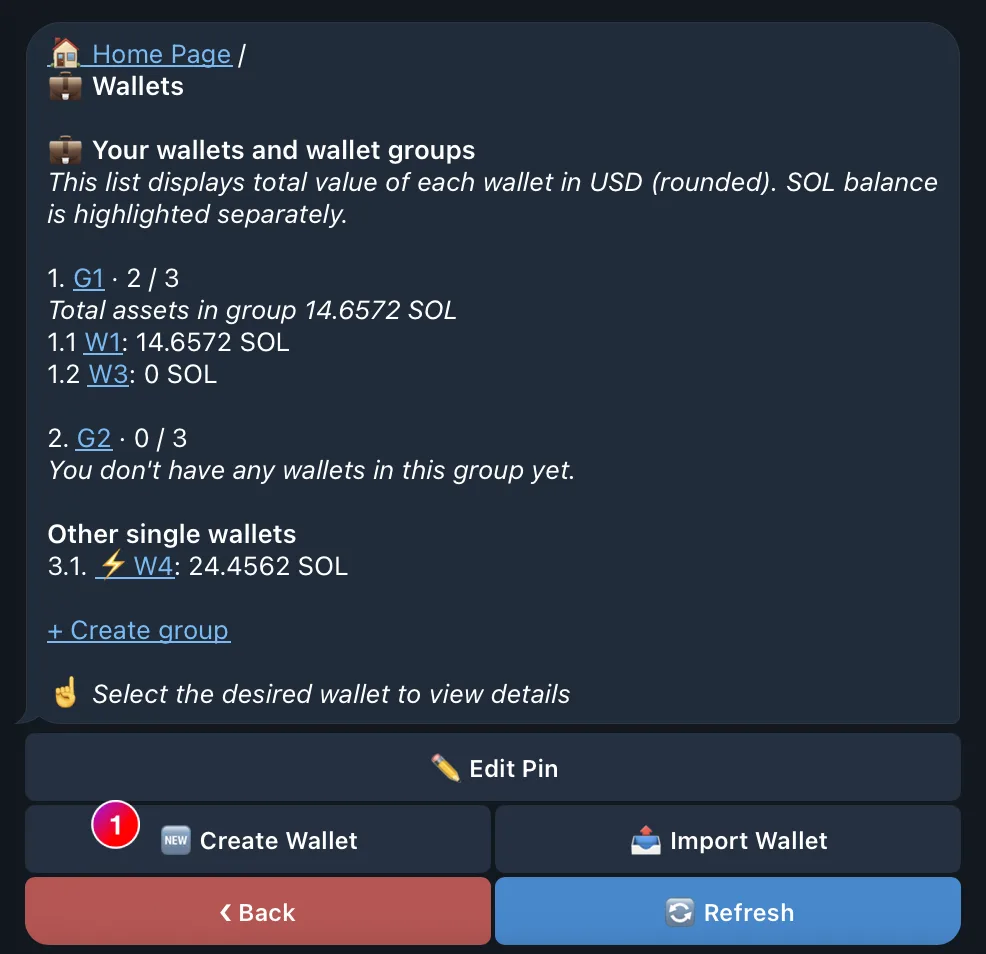
The QZAR Wallets menu with the Add Wallet and Create Wallet actions used to generate a new wallet
A QZAR confirmation for a newly created wallet with the recovery material to save offline

Import a wallet

  1. Open WalletsAdd WalletImport Wallet
  2. Set the wallet PIN if QZAR redirects you to PIN setup
  3. Send the requested 12/24-word recovery phrase or private key only inside the verified QZAR bot flow
  4. Confirm the resulting public address matches the wallet you intended to import
  5. Rename your wallet name if needed
The QZAR Import Wallet step asking for a 12 or 24-word recovery phrase or a private key
A QZAR confirmation for an imported wallet showing the resulting public address to check and rename

Wallet names, groups, and defaults

  • A name helps prevent choosing the wrong wallet
  • A group lets one trade run across its member wallets
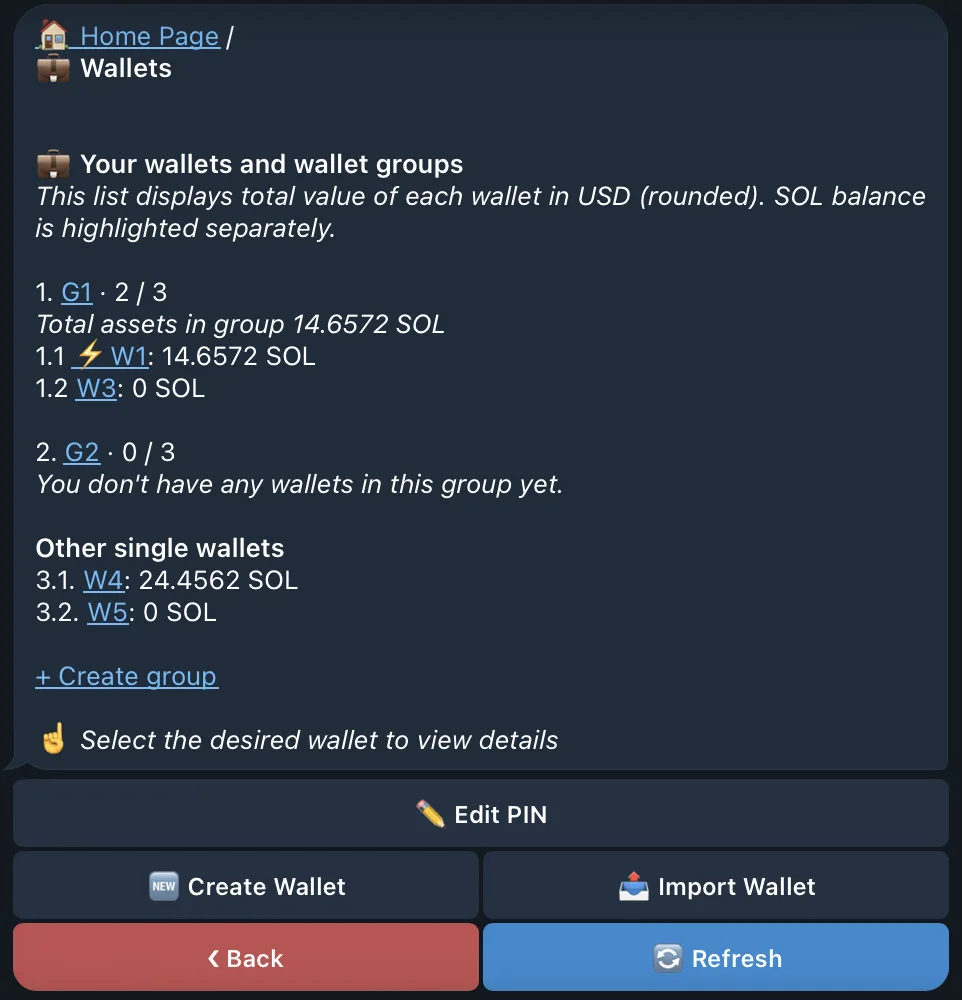
  • The wallet or group marked with ⚡ is selected by default in quick actions
  • Moving a wallet into a group changes how it appears in wallet selection; it does not move funds
A QZAR wallet list with named wallets, groups, and the default entry marked by a lightning icon

Back up before funding

Test the backup before depositing a considerable amount: import the key into a compatible wallet in a controlled environment and verify the public address. Never send recovery material to support.