Skip to content

Transaction History

The Transactions page lists indexed on-chain activity and links each entry to its details. Use it to verify outcomes, investigate errors, and reconcile QZAR messages with Scan.

Filter the list

You can configure:

  • Sort by date or type
  • Sort direction
  • Transaction type: buy swap, sell swap, transfer, etc
  • Time range: today, yesterday, last week, last month, last year, all time, or custom
  • Items per page

Transactions can also be opened in the context of a wallet or asset.
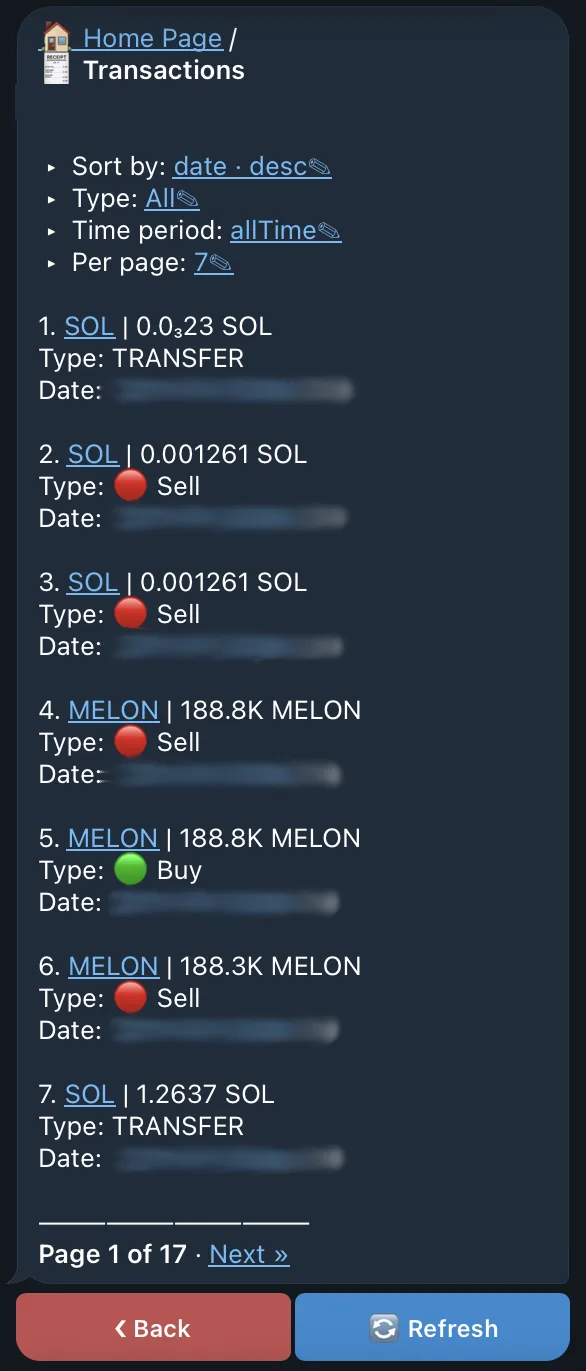
The QZAR Transactions list with sorting, type, and time-range filters applied to indexed wallet activity

Transaction details

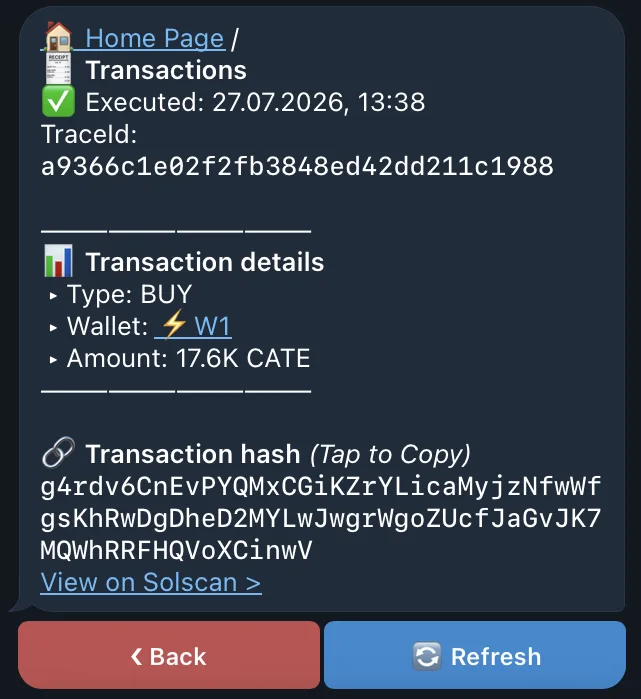
An indexed transaction can include:

  • Transaction hash/signature
  • Buy, sell, transfer type, etc
  • Date and execution time
  • Sender and receiver addresses
  • Transfer value and token
  • Related wallet details
  • Direct link to Scan
Use the chain as the source of truth
Scan is the source of truth for whether a signature landed and how accounts changed. QZAR's indexed view may take time to refresh and may not include activity that the indexer has not processed yet.

Troubleshooting with history

  1. Copy the signature from the status message or transaction entry
  2. Open it in Scan
  3. Check Success or the program error
  4. Compare pre/post token balances and native token fees
  5. If transaction succeeds, do not retry to execute it again, because message from the QZAR may be delayed
  6. If it fails, correct the specific cause before resubmitting