
Skip to content

Open the Bot

Launch QZAR only from a verified source.

Official entry points

  • Visit qzar.io
  • Use the Launch bot button in the documentation header

Start a session with the bot

Press Start or send /start, then open Wallets and continue setup presets
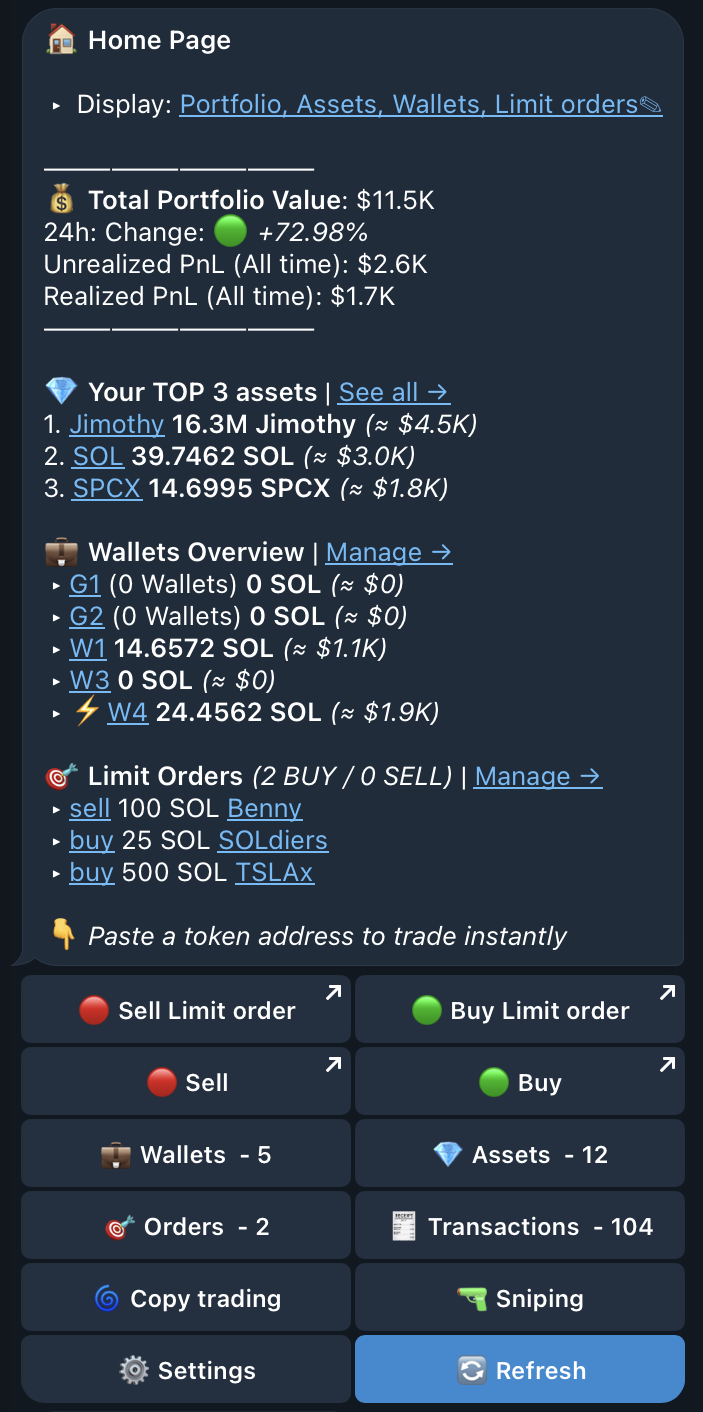
The QZAR home menu after start, showing the portfolio summary and the entry to Wallets
Impersonation red flag
QZAR will never advertise an airdrop, fee discount, or recovery service. Support will not contact you first or ask for a seed phrase, private key, login code, QR login, or remote access.

If the bot name, handle, buttons, or warnings differ from this guide, stop and re-open it from an official link.
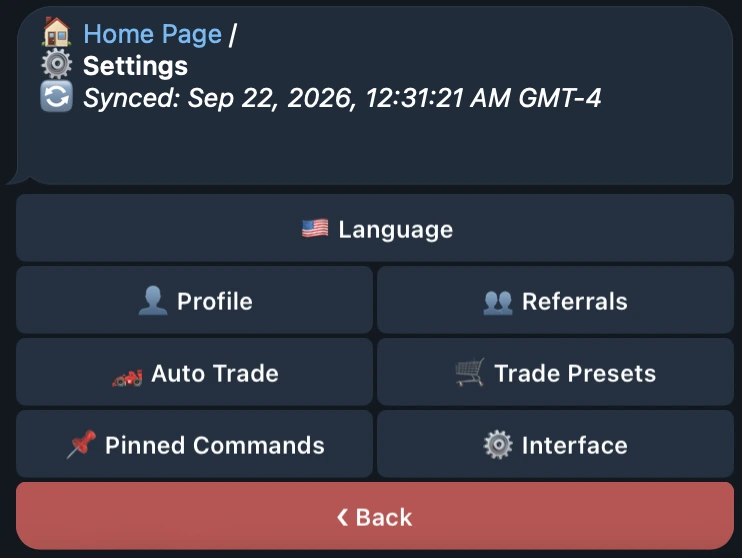
The QZAR Settings menu, whose buttons and warnings can be compared against this guide to confirm the real bot