
Search here or press/
Search
QZAR posts status messages as trades and orders move through creation, submission, and execution. Treat those messages as a prompt to verify on-chain state, especially after a timeout.
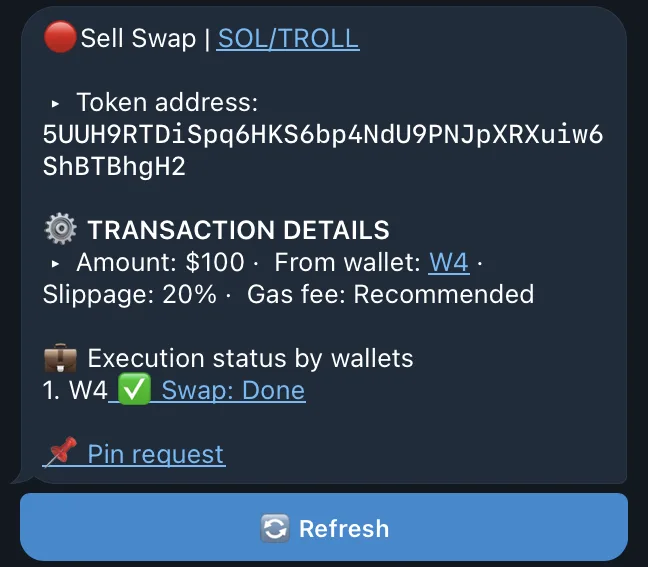
Open an order from Orders to view its notification setting and current execution status. Multi-wallet orders show execution per wallet; refresh manually when the page says the status may be outdated.
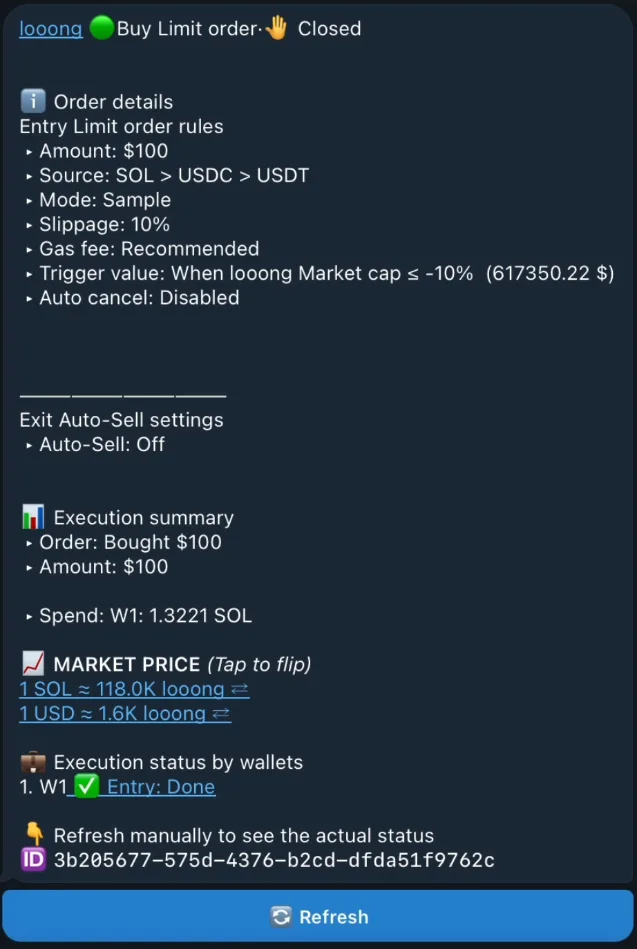
Keep Telegram notifications enabled if you use orders or auto trade. Muting a chat does not pause QZAR automation. To stop an order, cancel or disable it inside QZAR and confirm its state.