
Search here or press/
Search
Trenches brings token discovery into QZAR. Open Trenches and choose from four filters: Most Liquid, New Pairs, Top, and Trending. Each shows a different view of the market, from liquidity and newly created pairs to ranked tokens.
| Filter | What it shows | Displayed metrics |
|---|---|---|
| Most Liquid | Tokens ranked by liquidity | Liquidity, 24-hour volume |
| New Pairs | Newly created trading pairs | Market cap, all-time volume, liquidity, token age |
| Top | Tokens ordered by the Top ranking formula for the selected period | Market cap, 24-hour volume, liquidity, token age, holders |
| Trending | Tokens ordered by the Trending ranking formula for the selected period | Market cap, 24-hour volume, liquidity, token age, holders |
Every entry in all four filters includes:
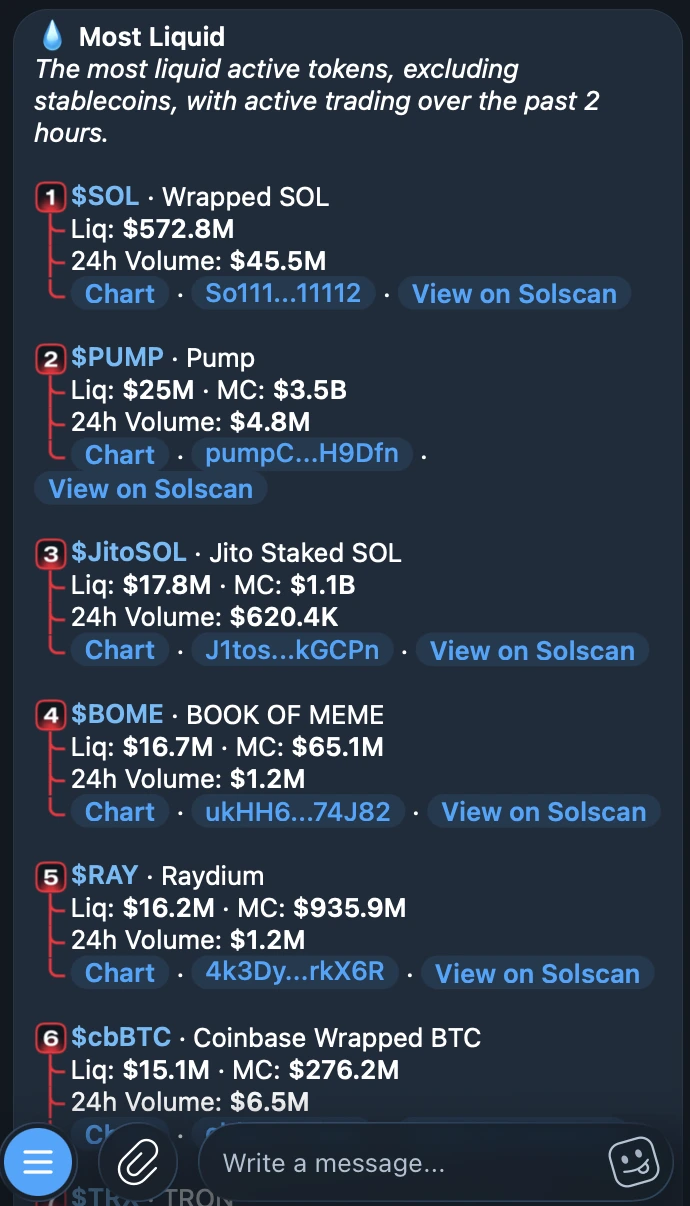
Most Liquid ranks tokens by liquidity. Each entry shows the token symbol and name, liquidity, and volume over the last 24 hours.
Liquidity describes the assets available in a pool for trading. Volume measures how much has been traded during a period. Read them together to compare the liquidity available now with trading activity over the past day.
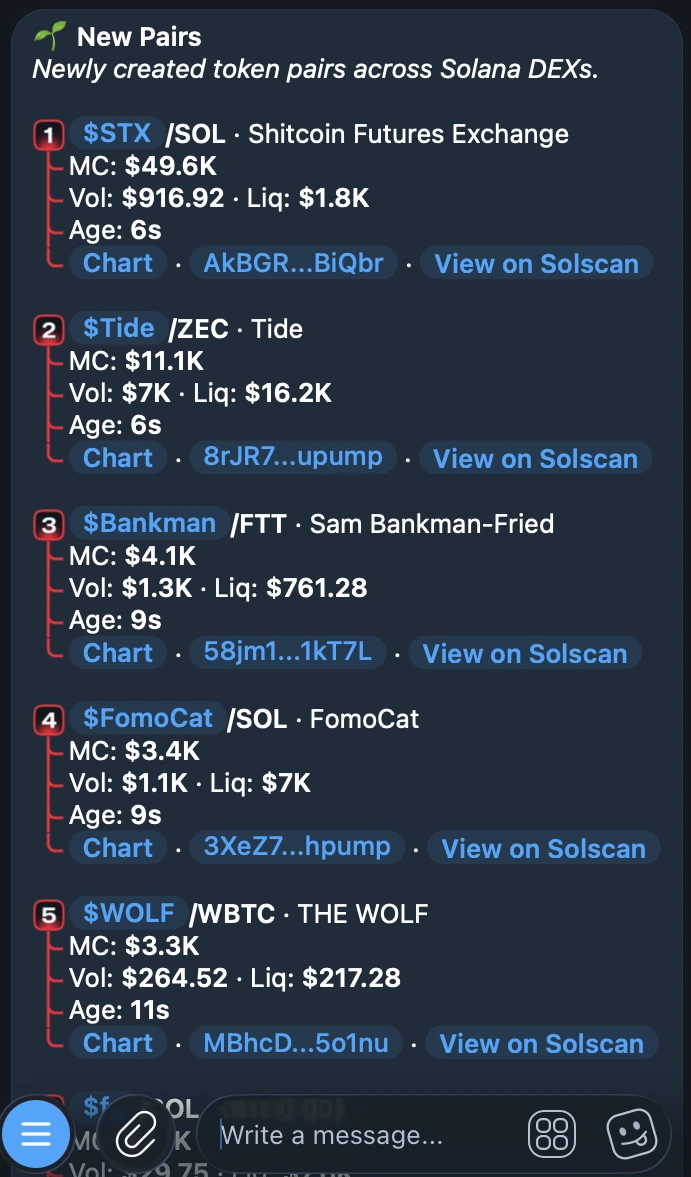
New Pairs lists newly created trading pairs. Each entry shows the pair and name, plus:
The volume here covers all time, unlike the 24-hour volume shown in the other three filters. New Pairs has no pagination.
Top and Trending use the same set of ranking inputs with different weights in their formulas. The weight of each input affects the final score, so the two filters can place the same token at different positions.
Both filters show the token symbol and name, market cap, 24-hour volume, liquidity, token age, and holder count.
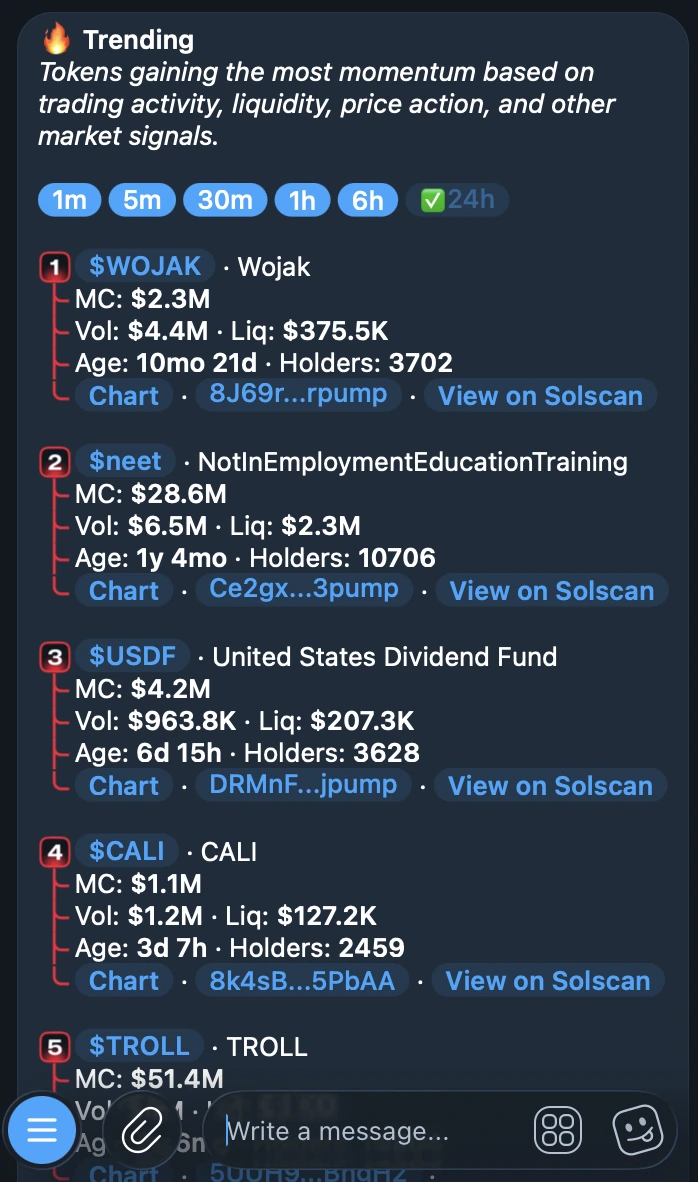
Choose one of six periods in either filter:
| Period | Time window |
|---|---|
| 1m | 1 minute |
| 5m | 5 minutes |
| 30m | 30 minutes |
| 1h | 1 hour |
| 6h | 6 hours |
| 24h | 24 hours |
The selected period controls the ranking window. The displayed volume remains a 24-hour metric, including when you select a shorter period such as 1m or 5m.
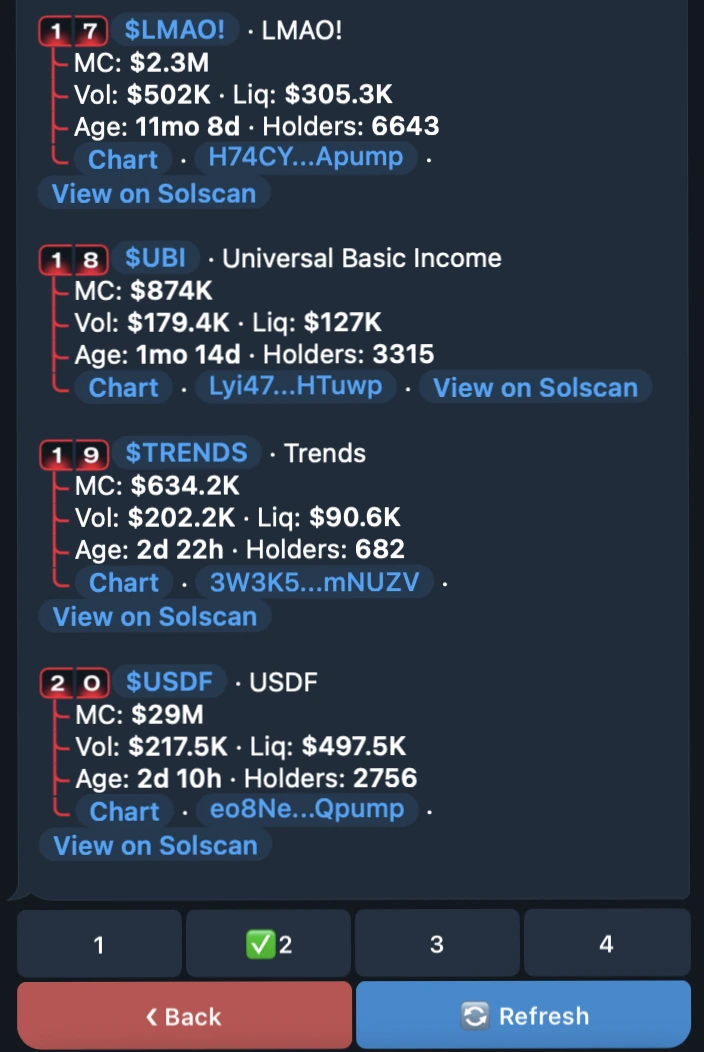
Most Liquid, Top, and Trending each have 4 pages with 10 entries per page, for 40 positions per filter. Select a page using the numbered controls: 1, 2, 3, or 4. New Pairs is the only filter without pagination.
| Metric | Meaning |
|---|---|
| Market cap | The token's market capitalization, based on price and supply |
| Liquidity | The value of assets available in the liquidity pool for trading |
| Volume (24h) | The value traded over the last 24 hours |
| Volume (all time) | Cumulative trading volume across the pair's available history |
| Token age | How long the token has existed |
| Holders | The number of addresses holding the token |