
Search here or press/
Search
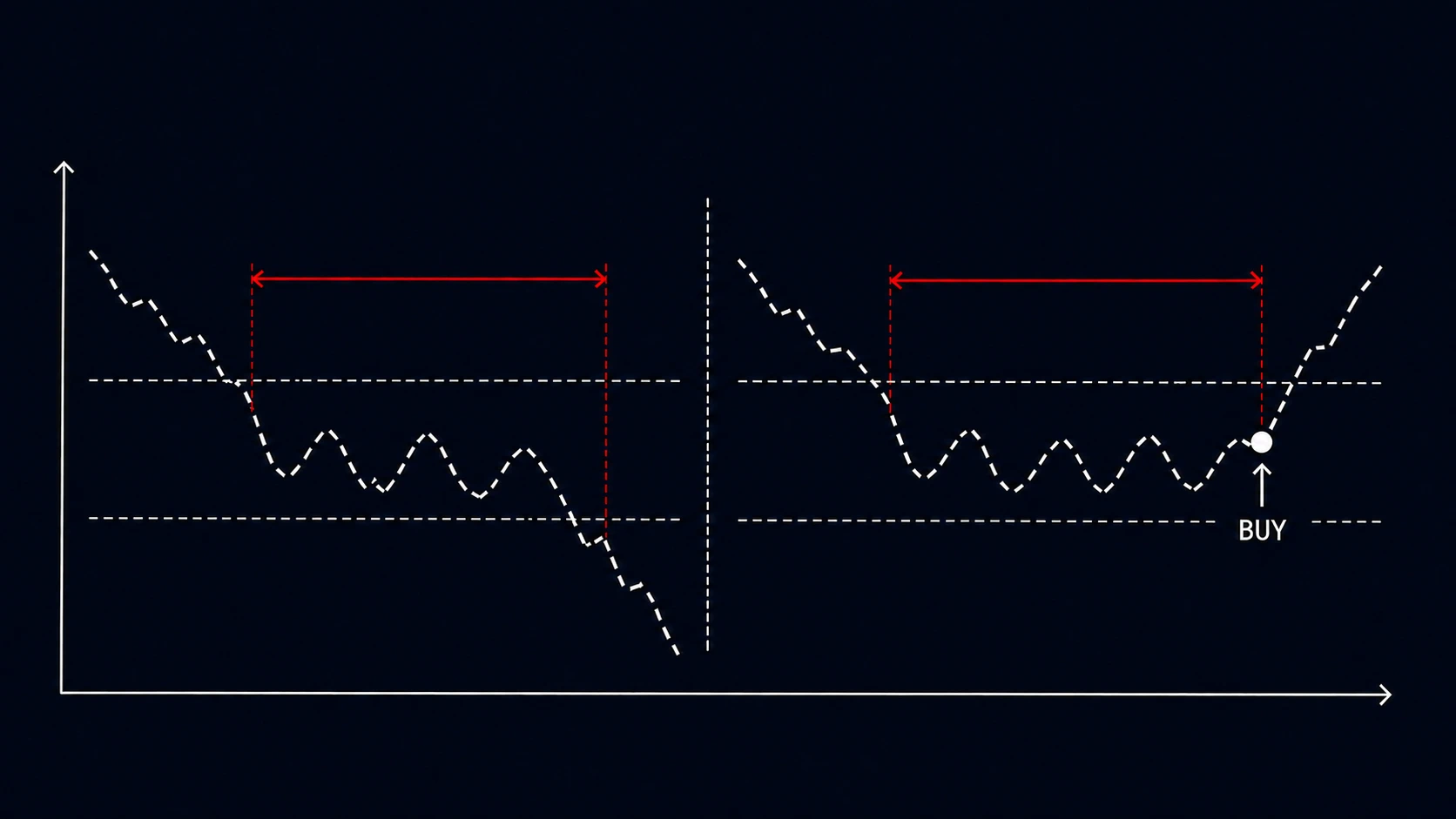
A Range Order submits one buy or sell only after price or market cap has remained inside a chosen band for a continuous duration. It filters out brief touches that would trigger a Classic Limit Order.
The band can use absolute values or percentage changes from the current value. The timer starts when the value enters the band and resets whenever it leaves.
| Setting | Meaning |
|---|---|
| Range | The price or market-cap band the order watches |
| Duration | How long the value must remain inside the band without interruption |
Suppose a buy watches $0.90–$1.00 with a 10-minute duration:
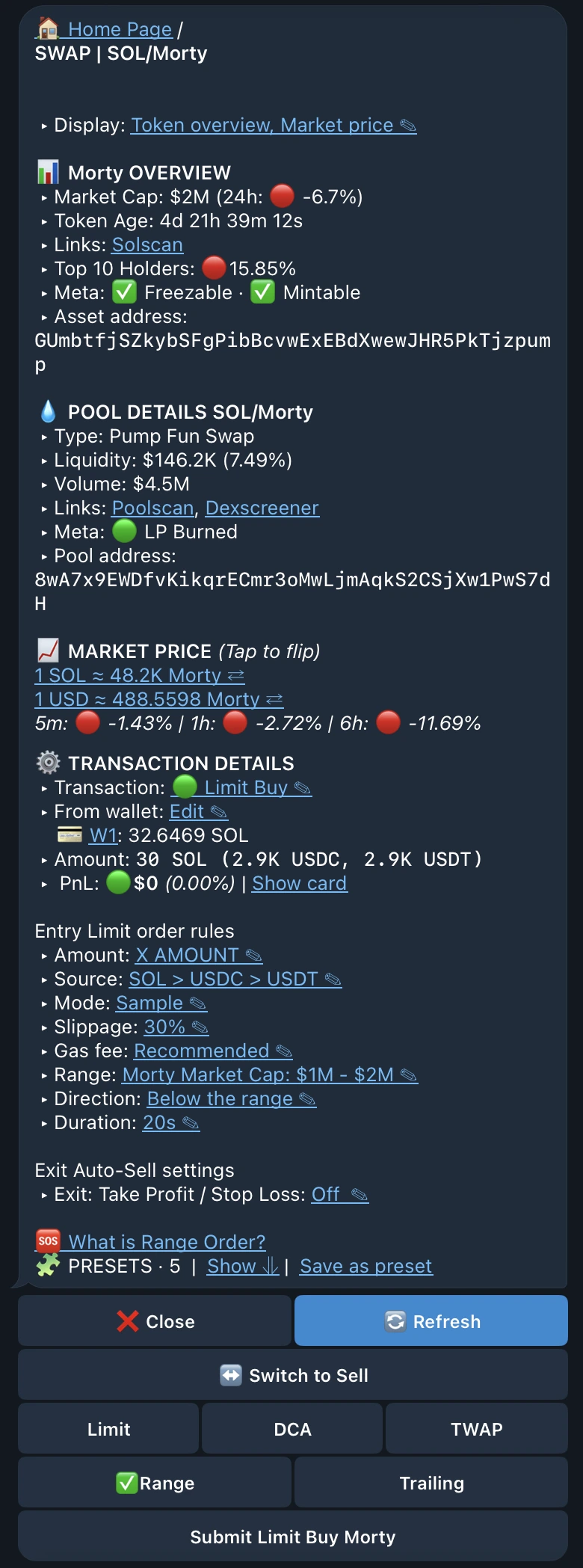
Choose Buy Range order or Sell Range order from a token or pool trade menu, then set:
Amount, wallets, source tokens, execution settings, and optional TP/SL match the Classic order flow, only the confirmation condition changes.
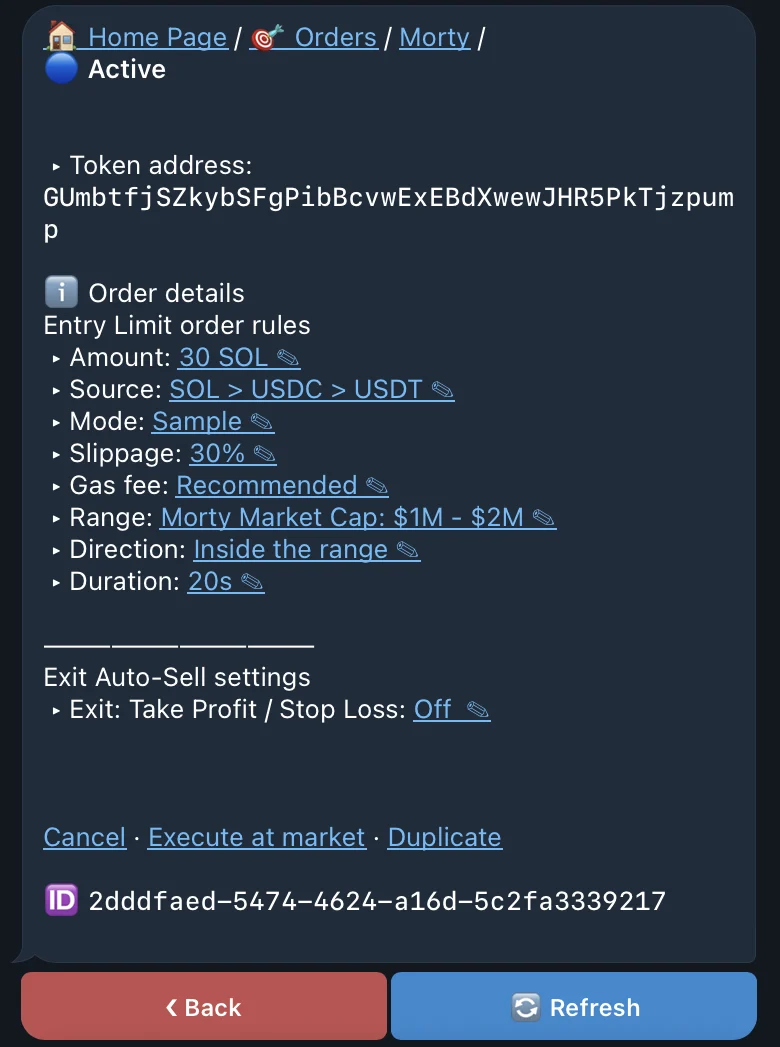
The order detail shows whether the value is inside the band and how much of the required duration has elapsed. Frequent resets usually mean the band is too narrow for current volatility; a duration that is too long may filter so aggressively that the order expires first.