
Search here or press/
Search
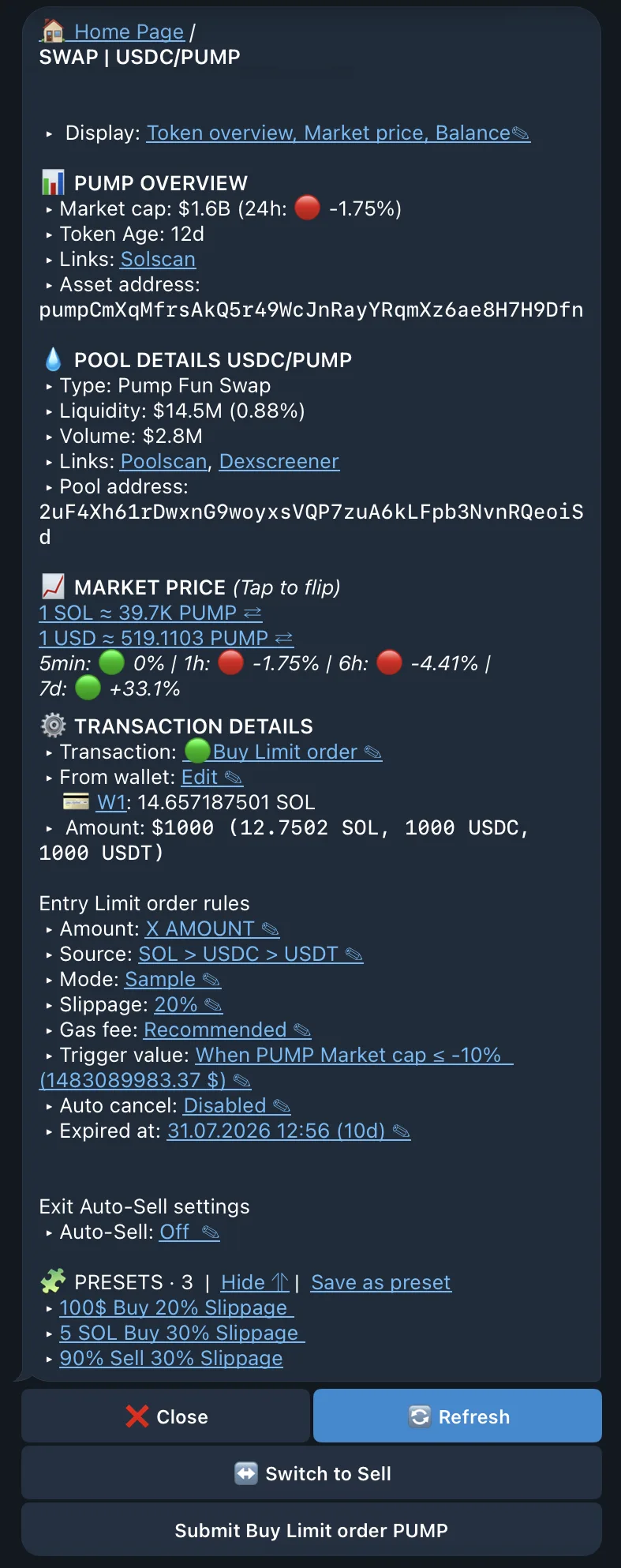
A Classic Limit Order is the simplest conditional order in QZAR: it submits one buy or sell when a price or market-cap target is reached. The wallet, amount, execution settings, expiry, and optional TP/SL exit are saved with the order.
Use Classic when you have one target in mind. For entries spread over time, a confirmation range, or a moving trigger, choose one of the other order types.
The trigger can be an absolute value or a percentage change from the current value. Every order also has an expiry time.
| State | Meaning |
|---|---|
| Entry: Pending | Waiting for the trigger |
| Entry: Processing | Triggered and being submitted |
| Entry: Executed | Entry transaction completed |
| Entry: Failed | Triggered, but execution did not complete |
| Exit: Pending | Entry completed and TP/SL exit is waiting |
| Exit: Processing | Exit condition triggered |
| Exit: Executed | Exit transaction completed |
| Canceled / Closed | No further automatic action is expected |
Closed orders can also identify whether they ended manually, by Take Profit or by Stop Loss.
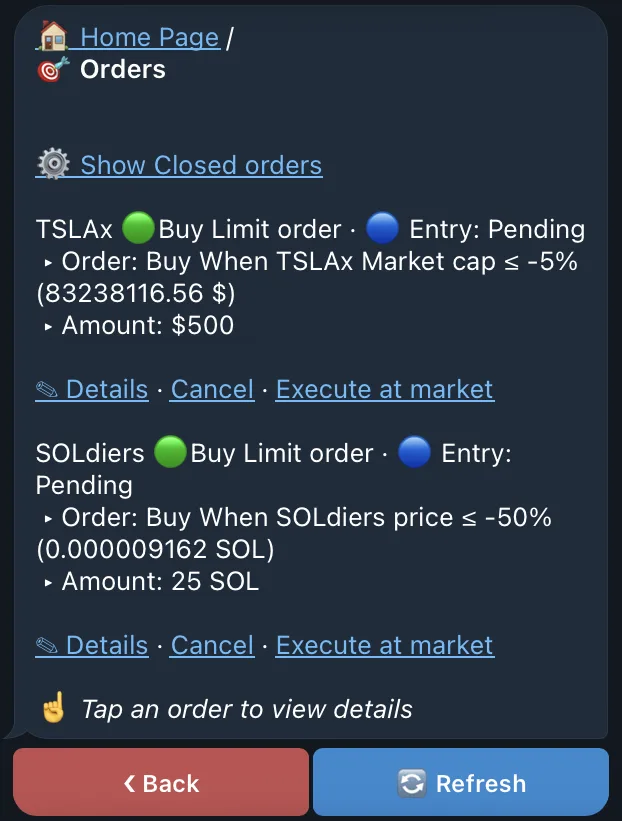
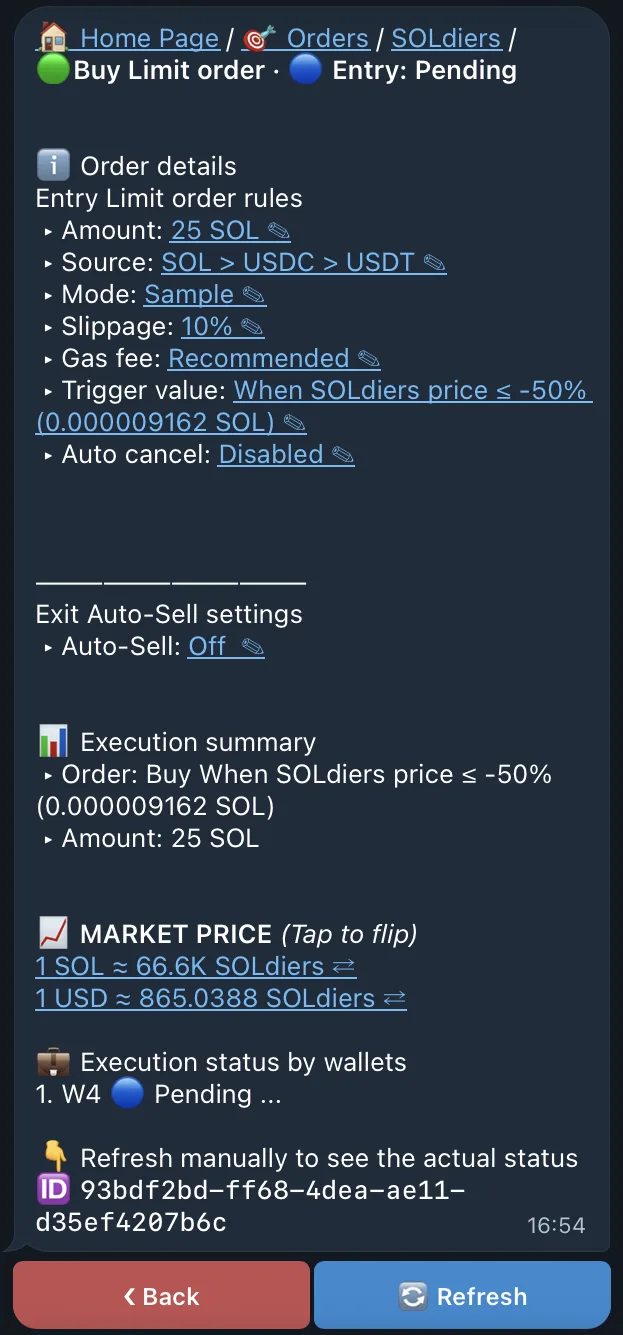
Open Orders, select an item, and review:
Depending on its current state, QZAR can show actions such as execute now, sell now, duplicate, edit exit settings, change notifications, or cancel.
A chart position may not always be executable at the reached market level. The order still needs a valid route, sufficient balance, acceptable slippage, and enough fee priority when it is triggered. The observed value can change before the transaction is executed.
The remaining order pages focus only on the behavior that differs from Classic:
| Order | Use it when |
|---|---|
| DCA | You want scheduled deals, but only inside a price range |
| TWAP | You want scheduled deals regardless of price |
| Range | A value must remain inside a band before one trade is submitted |
| Trailing Stop | The trigger should follow a move through several levels and react to a reversal |