
Search here or press/
Search
A preset stores a reusable trading configuration so repeated buys or sells use consistent amounts and execution rules.
sample or mev transaction modeSource tokens priority is configured separately in trade display settings.
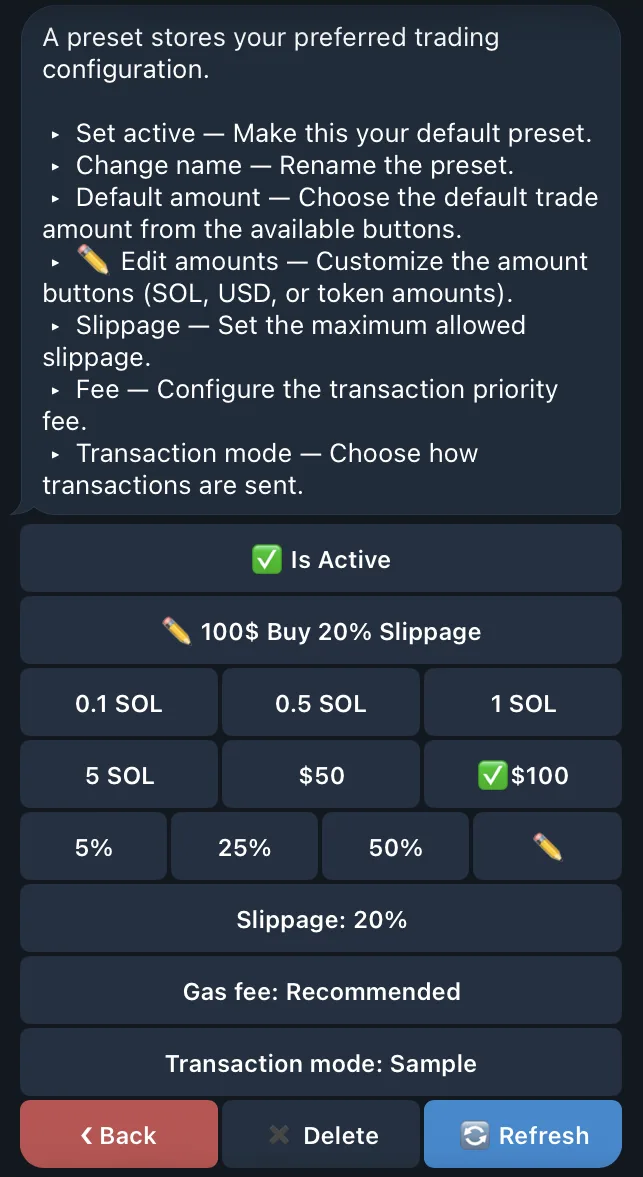
Open a trade and select the preset. QZAR copies its stored settings into the current request. Review the resulting values before executing because pool liquidity and market conditions are not stored in the preset.
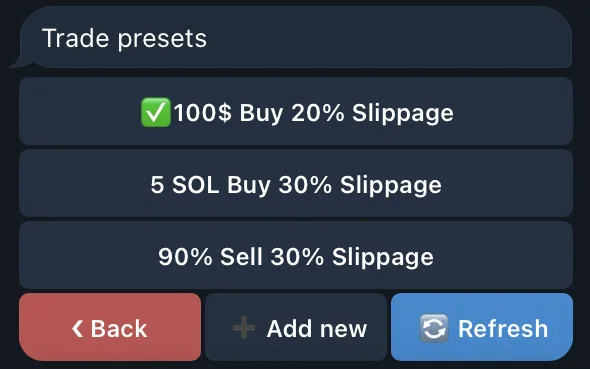
Use names that describe behavior:
Test Buy — small amount, conservative slippage, Recommended feeLiquid Market — normal size and standard submissionUrgent Exit — sell percentage with a tested higher-priority setupAvoid copying fixed recommended percentages from other traders. Test with your own trade size and pools.